Best Rhythm Game Controllers for Precise, Lag-Free Play
By Aisha El-Sayed • 6th Jun
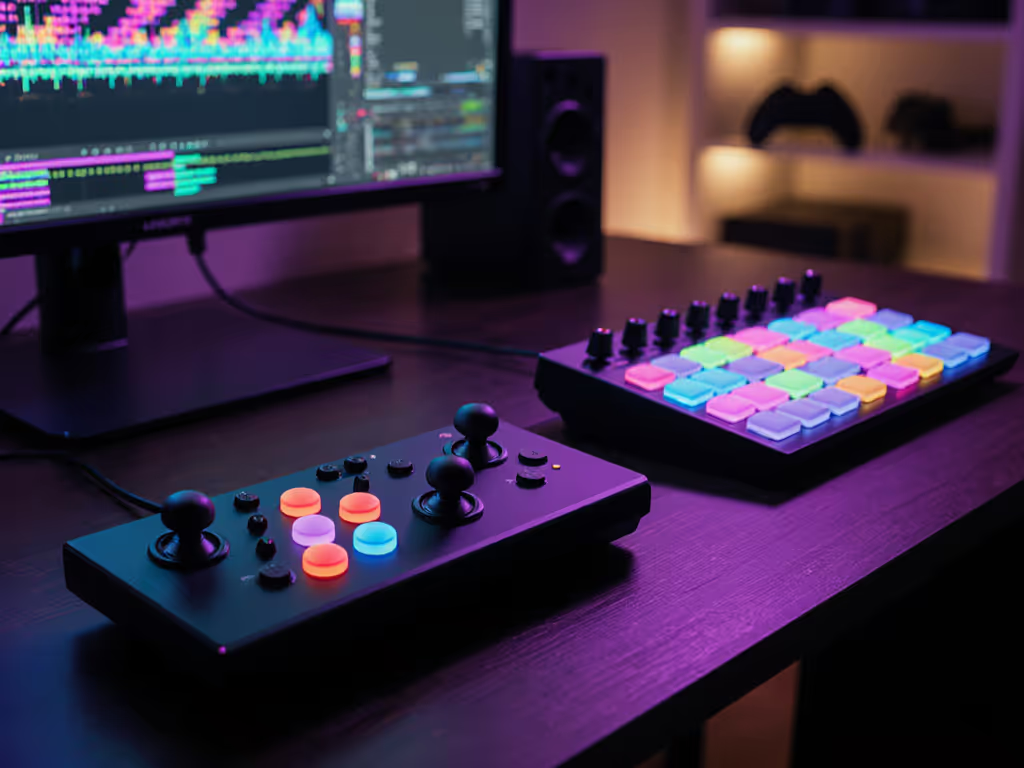
Nailing 100% accuracy is never just about reading charts, it's about translating your intent into inputs with zero surprises. The best rhythm game controllers balance low latency, consistent actuation, and a shape that lets your hands relax instead of fight the hardware.
If you're here, you already know the feeling of dropping a note and wondering: was that me, or my controller? Let's make sure the answer is never "the controller" again.
If it hurts, it's costing you frames and fun.
In this guide, I'll break down music game controller recommendations by playstyle and platform, explain how to think about lag and ergonomics like a pro, and give you concrete fit-checks so you can pick hardware that keeps your wrists neutral and your timing tight.
What Actually Makes a Rhythm Controller "Good"?
Before we talk specific hardware, align on criteria. For rhythm games, a "good" controller isn't just "feels nice." It needs to be measurably dependable.
1. Latency and Stability
For rhythm players, predictable timing matters more than raw speed. A controller that's always 12 ms late but perfectly consistent is easier to compensate for than one that bounces between 0-20 ms.
Community tests on budget rhythm controllers under $40 show that even inexpensive USB devices can hit sub-frame average delays when wired, provided the polling rate and drivers are solid. See our budget rhythm controllers under $40 roundup for specific picks and timing data. Many dedicated rhythm pads and boards are USB-based precisely because wired inputs give more stable timing than Bluetooth. For cross-platform pairing tips and measured lag data, see our Bluetooth controller latency guide.
Modern console and PC games often include calibration tools to offset display and input lag, but those tools assume your controller is consistent. If you're serious about rhythm game input testing, you want:
- Wired connection where possible (USB over Bluetooth whenever you can).
- A device known to avoid missed scans or inconsistent debounce.
- A display in a low-lag or "Game" mode, reducing additional overhead.
2. Actuation Feel and Force
High-level rhythm play involves thousands of presses per session. Any extra force or long travel adds up.
Key things to look for:
- Short, light activation: Mechanical keys or arcade buttons with smooth, low-force actuation reduce fatigue.
- Clear reset point: You should feel when a button has reset and is ready for the next press, important for jacks and trills.
- Stable mounting: Buttons should not wobble in a way that makes your finger travel unpredictable.
Reviews of rhythm-specific keyboards and boards consistently praise designs with uniform, light switches and firm housings, like specialized mania boards and dedicated rhythm keyboards.
3. Ergonomics and Hand-Wrist Alignment
This is where my bias is strongest: neutral wrist posture and relaxed fingers are non-negotiable. For a deeper dive into preventing strain and extending sessions, read our ergonomic game controller guide.
Your ideal controller will:
- Let your wrists rest in a straight line with your forearms (no heavy bending up or sideways).
- Keep your fingers slightly curved, not overextended.
- Allow your thumbs or palms to support some weight so your shoulders aren't doing all the stabilization.
Many rhythm-specific controllers are designed to sit flat on a desk, so you can pair them with a chair height and desk depth that match your arm length. That's a hidden advantage over tiny mobile clip-ons and cramped laptop keyboards.
Comfort buys consistency.
When I ignored this and forced myself to adapt to a narrower grip with stiff buttons, my execution dropped as my hands got tired. Adjusting to lighter actuation and a layout that matched my shoulders didn't just stop the numbness, it raised my ceiling.
4. Customization and Mapping
Being able to remap buttons and adjust sensitivity is huge, especially if you want to protect your hands.
Most rhythm games let you configure rhythm game button mapping so you can move common inputs to fingers that are stronger or more comfortable. On PC, MIDI translators and key remapping software let you turn almost anything, MIDI pads or unconventional controllers, into precise rhythm inputs.
Arcade-Style Rhythm Controllers (IIDX, SDVX, Mania & Clones)
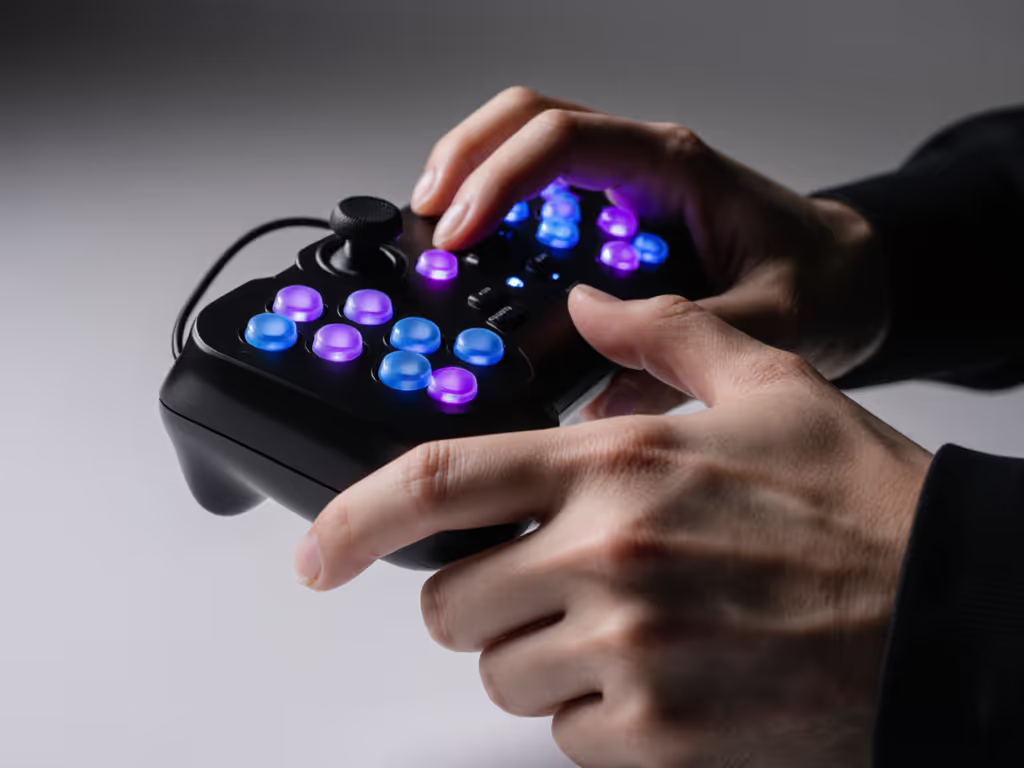
If you want the closest feel to arcade cabinets (Beatmania IIDX, Sound Voltex, or other multi-button panel games), arcade-style boards are your best bet.
Online stores specializing in rhythm gear, like Yuancon and IST Mall, focus almost entirely on these: large plastic or metal boxes with arcade buttons, sometimes a turntable or knobs, and a USB output for PC or console. Community threads regularly praise these as the "endgame" for home setups.
Why They're Strong for Precision
- Wired USB with simple, direct input protocols minimize variability.
- Arcade buttons have fast actuation and large targets, which is more forgiving at high scroll speeds.
- Many devices are timing-tested by the community, with some under-$40 options matching the latency of far pricier boards.
Notable Types & Use Cases
I'll keep this brand-agnostic and focus on types so you can shop in your region.
1. IIDX-Style Turntable + 7-Button Deck
Perfect if you love dense patterns and scratch inputs.
- Layout mirrors arcade IIDX: 7 keys plus a turntable.
- Players often mod these with higher-quality Sanwa/Seimitsu buttons and better sensors for the disc.
- Enthusiasts on rhythm forums frequently call high-end IIDX-style decks like EZMAX+ some of the best rhythm game controllers for that genre, citing build quality and consistent timing.
Ergonomic notes:
- The turntable encourages asymmetric play (one hand on keys, one on the disc), so shoulder alignment matters.
- Make sure the deck is placed so your shoulders stay level and your torso doesn't twist.
Fit-check bullets for IIDX-style decks:
- Your elbows should rest at ~90 degrees, not flared wide.
- You should be able to reach all 7 keys without fully straightening any finger.
- When scratching, your wrist should rotate smoothly without bending sharply sideways.
2. SDVX / 4-6 Button + Knob Controllers
Designed for vertical lane games with knob or analog controls.
- Typically 4-6 main buttons plus rotary encoders (knobs).
- Popular for Sound Voltex and PC clones, often praised for responsive buttons and low-lag USB interfaces.
Why they shine:
- Button spacing matches finger span better than cramped gamepads.
- Knobs give tactile control without excessive wrist deviation when placed correctly.
Ergonomic tip:
- Position knobs at a height where your wrist stays neutral while twisting, and avoid hunching your shoulder just to reach them.
3. Budget Flat Mania Boards
If you're not ready to drop arcade money, timing-tested budget boards have improved a lot.
Affordable panels under $40 have been evaluated specifically for rhythm use, with results showing that some match midrange devices in latency while cutting corners mainly on housing materials and cable quality.
They're great for:
- 4K/7K mania-style games.
- Players upgrading from standard keyboards but not ready for a full arcade deck.
Trade-offs: lighter shells may slide on the desk, and buttons can feel less refined, so you may want non-slip pads and a wrist rest.
Keyboard-Based Rhythm Setups (PC)
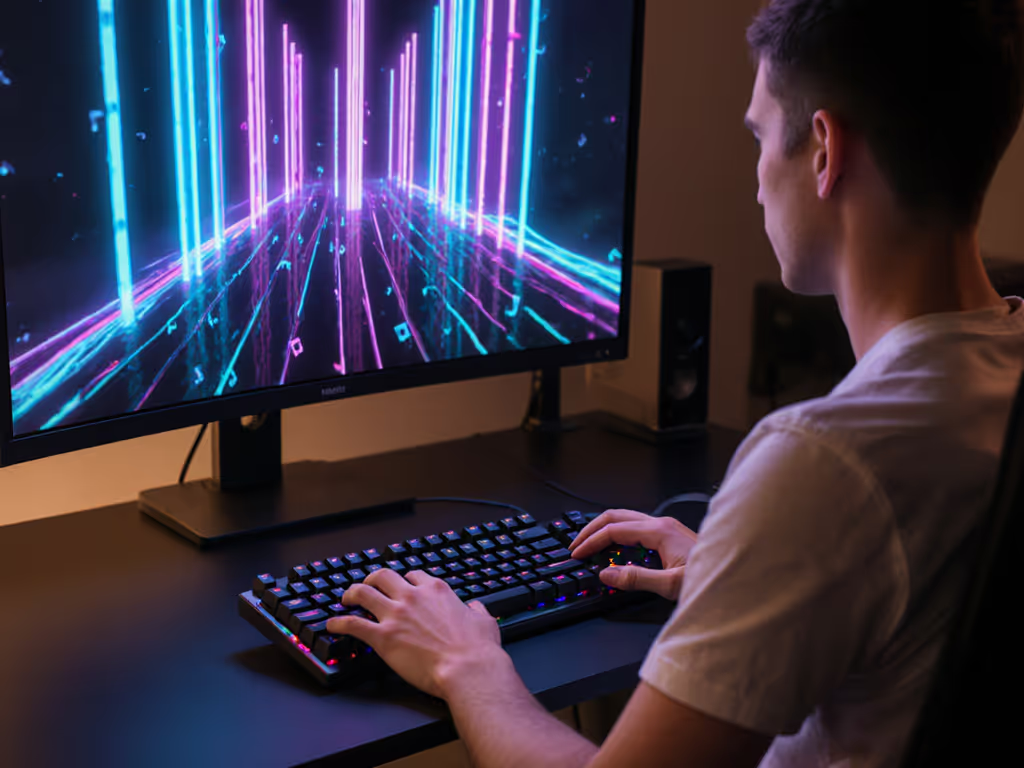
For PC players, you can get extremely competitive just using a mechanical keyboard. Some reviewers argue that the best rhythm game controllers for high-speed mania are specific keyboards rather than specialty boards.
A Kotaku feature singled out a particular mechanical keyboard as an ideal rhythm device, emphasizing its short-throw switches, consistent actuation, and full N-key rollover. The takeaway isn't that one brand is magic, it's that the specs matter.
What to Look For in a Rhythm Keyboard
- Full N-key rollover / anti-ghosting: so every simultaneous press registers cleanly.
- Linear, light switches: reduce finger fatigue and provide a predictable actuation point.
- Solid chassis: less flex equals more consistent key feel.
- Simple, stable USB connection: low-latency wired is still the gold standard.
Many serious players use custom or prebuilt boards with fast linears for games like osu!mania and Stepmania, logging top scores without any specialized arcade rig.
Advanced: MIDI Pads and Unconventional "Guitar Hero Alternatives"
For players who love tinkering, you can turn MIDI instruments into rhythm controllers.
PC Gamer documented a setup where a MIDI pad and keyboard were routed through Bome MIDI Translator Pro, converting MIDI notes into keystrokes recognized by games. This opens the door to creative Guitar Hero alternatives:
- Drum pads triggering lanes in a mania game.
- A MIDI keyboard functioning as a vertical lane controller.
- Custom foot pedals for extra inputs.
The process involves:
- Creating a virtual MIDI port.
- Capturing each pad/keys' MIDI signal.
- Mapping "Note On/Off" messages to specific keystrokes for each lane.
Ergonomically, MIDI setups can be great because you can physically position pads and keys where your arms most naturally fall, instead of being locked into one rectangle.
Fit-check bullets for keyboard/MIDI setups:
- Your wrists should float just above the front edge, and if you're digging into the desk, consider a soft rest.
- You should press keys from above, not with wrists cocked upward.
- Keep commonly used lanes under your strongest fingers (index/middle) via rhythm game button mapping.
Gamepads for Console Rhythm & Hybrid Play
Not everyone wants a desk setup. For console-focused rhythm titles, like Project DIVA, Taiko no Tatsujin, Muse Dash on consoles, or older Guitar Hero alternatives, a high-quality gamepad can still be deadly accurate.
Community discussions show many players starting and staying with standard console controllers, especially on PlayStation, Xbox, and Switch, for both casual and high-level rhythm play.
When a Gamepad Makes Sense
- You play on a couch or TV and don't want a desk rig.
- You split time between rhythm and other genres (fighters, shooters).
- Your games are console-exclusive and designed around controller layouts.
What Matters in a Rhythm-Focused Gamepad
- Consistent face buttons: short travel and uniform feel across all four.
- Low wireless latency (or wired mode) and a stable connection, critical for precise timing.
- Comfortable shape for your hand size.
Many high-end, customizable pads offer:
- Adjustable trigger stops (less relevant for face-button rhythm, but helpful if shoulders are used).
- Software for remapping and macros.
- Swappable thumbsticks and back paddles, where these paddles can offload repetitive inputs from your thumbs.
Ergonomic tips for gamepad rhythm play:
- Keep your wrists in line with your forearms; avoid bending them inward to reach the D-pad or buttons.
- If your hands are large, favor controllers with wider grips to prevent squeezing.
- If they're small, look for more compact shells so you don't overextend thumbs across the face buttons.
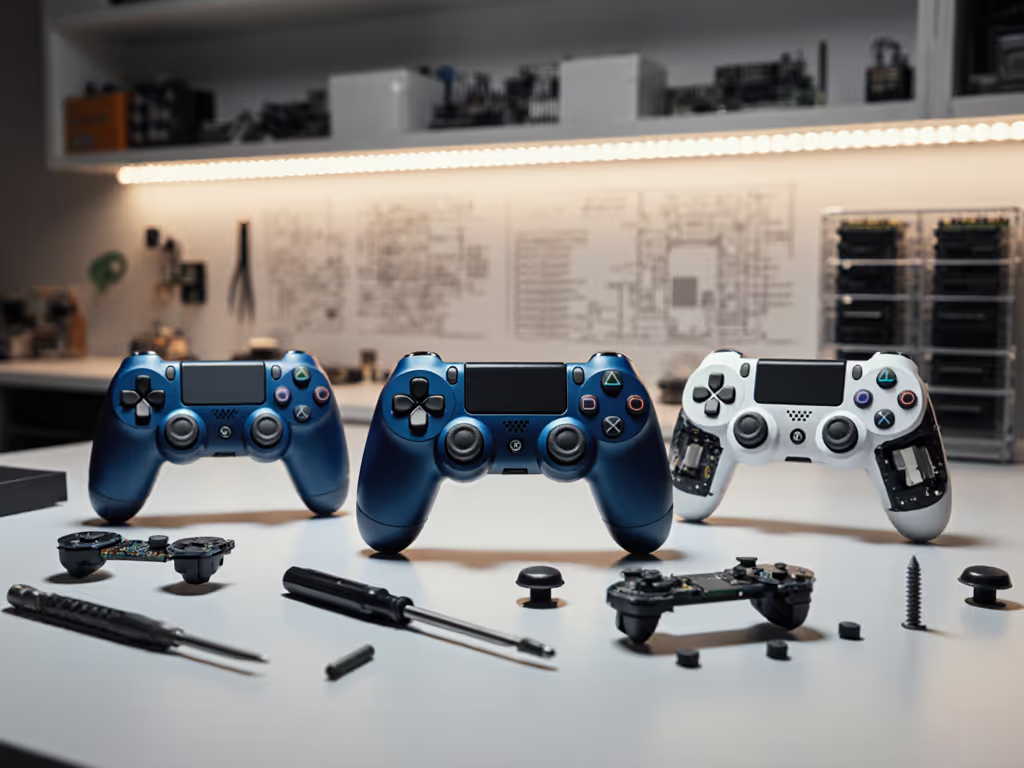
Regular reports of issues like stick drift highlight the importance of durability. Learn how Hall Effect controllers prevent stick drift and which platforms support them. While that's more critical for analog-heavy genres, for rhythm games it also adds anxiety. Prioritize controllers with good reliability records or easily replaceable parts.
Beat Saber & VR: Motion Controllers that Keep Up
For VR titles like Beat Saber, Beat Saber compatible controllers are typically the headset's native motion controllers: Meta's Touch, PlayStation VR2 Sense, Valve Index controllers, and others.
A Steam Deck rhythm setup video illustrates how motion control and gyro input can feel incredibly immersive for timing-based games, especially when tracking is accurate and latency is minimized.
What Matters for VR Rhythm Controllers
- Tracking fidelity: You want hand position updates to be smooth and accurate, especially for high-difficulty maps.
- Weight and balance: Heavy or top-heavy wands tire your forearms faster.
- Secure straps and grip: You must be able to swing hard without white-knuckling.
Ergonomic notes:
- A neutral wrist is even more critical when swinging in 3D; avoid overextending your range just to hit blocks.
- Adjust strap tension so the controller "hangs" in your hand without you fully clenching.
Fit-check bullets for Beat Saber-style setups:
- During long maps, your grip should feel firm but not desperate; if you see white knuckles, loosen the strap.
- Keep elbows slightly bent instead of locking your arms straight.
- If shoulder fatigue hits before hand fatigue, lower your play height and shrink your swing arcs.
These tweaks help keep your timing stable as the set goes on. Once again, comfort buys consistency.
Mobile Rhythm Controllers: Clip-Ons and Mini Pads
Mobile rhythm games, especially anime and idol titles, have spawned a niche of phone-focused rhythm controllers, from small Bluetooth pads to clip-on grips. For device-specific picks and layouts, see our mobile rhythm controller comparison.
Video reviews of mobile rhythm game controllers show tiny, adorable button clusters designed to sit below or beside your phone, sometimes mimicking arcade buttons in miniature. Guides for smartphone rhythm game controllers emphasize basics like device compatibility, Bluetooth pairing, and in-game sensitivity settings.
Pros
- Portable and easy to stash.
- Often cheaper than full-sized PC boards.
- Better tactility than tapping bare glass.
Cons
- Bluetooth latency can vary with your phone and environment.
- Small size often forces cramped finger positions.
- Limited remapping or firmware options compared to PC controllers.
Ergonomic advice:
- Treat these like "short session" tools unless you find a position that respects your wrist alignment.
- Consider a phone stand so you aren't simultaneously supporting the phone's weight and hitting precise notes.
If mobile is your main platform, look for controllers that support wired modes where possible, and games that allow precise audio/input calibration.
Practical Setup: Minimizing Lag & Protecting Your Hands
Once you've chosen a controller type, you still have two big jobs: tune the timing and tune the fit. Skipping either leaves performance on the table.
Step 1: Latency Tuning & Rhythm Game Input Testing
Use this checklist for any new controller:
- Use wired first. If your device supports USB, start there, as community tests consistently show more stable timing versus Bluetooth.
- Disable unnecessary wireless noise. On PC, turning off unused Bluetooth/Wi-Fi devices can sometimes smooth out input jitter for sensitive setups.
- Set display to Game mode. Many TVs add 20-50 ms of processing in default picture modes; "Game" mode trims that significantly.
- Run in-game calibration. Most modern rhythm games have offset settings for audio/video. Use consistent test songs and aim for offsets that feel natural.
- Repeat on different days. If your offsets jump wildly, suspect a stability issue (USB port, cable, or controller firmware) before you blame your timing.
Dedicated timing tests of cheap rhythm controllers show that once you remove display lag and flaky wireless links, even modest hardware can feel nearly arcade-tight. The key is a system-level approach, not just swapping controllers.
Step 2: Smart Rhythm Game Button Mapping
Button mapping isn't just preference, it's a tool for load balancing between fingers and joints.
- Put the most frequently tapped lanes under index and middle fingers.
- Avoid assigning rapid alternations to your weakest finger on that hand.
- On gamepads, consider using shoulder buttons or paddles for simultaneous or awkward notes.
Software like MIDI translators lets you creatively reassign inputs: PC Gamer's MIDI controller setup mapped drum pads to keystrokes so each pad became a lane, separating tasks between stronger and weaker fingers.
Step 3: Ergonomic Fit-Checks (Any Controller)
Run through these quick checks after 10-15 minutes of play:
- Wrist angle: Your hand should be a natural extension of your forearm. If your wrist bends sharply up or sideways, adjust desk height, chair, or controller angle.
- Finger reach: You should not have to fully straighten or hyperextend any finger to hit a common button.
- Shoulder tension: Your shoulders should feel heavy and relaxed, not shrugged toward your ears.
- Micro-pain audit: Notice any tingling, numbness, or sharp pain. That's a signal to stop or adjust.
If it hurts, it's costing you frames and fun.
I once spent weeks grinding on a layout that forced my hands into a slightly narrow stance with stiff buttons. My scores plateaued, and my fingers occasionally went numb. A friend helped me widen my grip and lighten the actuation. The pain vanished, and my accuracy went up. That experience is why I insist: comfort isn't optional for performance.
Where to Go Next: Testing Controllers Like a Scientist
You don't need to buy everything at once; treat this like an experiment.
- If you're on PC and mostly play key-based games, start by upgrading to a fast, comfortable mechanical keyboard and dialing in your latency.
- If you crave the arcade feel, look at midrange SDVX/IIDX-style boards from reputable rhythm shops, then mod or upgrade once you know what you like.
- For VR, invest time in strap and play-space adjustments before chasing exotic accessories. Small ergonomic tweaks often yield bigger gains than new hardware.
- For mobile, test a single compact controller and see how your fingers feel after a week before going deeper into that ecosystem.
Keep notes as you go, what your offsets are, how your hands feel, and how your scores trend. Share those results with your friends or community. That way, your music game controller recommendations are grounded not only in specs and brand names, but in measurable improvements to both your scores and your comfort.
Comfort buys consistency, and consistency is what carries you through the last 30 seconds of a dense chart when everyone else is dropping notes.
Related Articles