Modular Controller Platform Comparison: Best Repairable Options
By Aisha El-Sayed • 2nd Jun
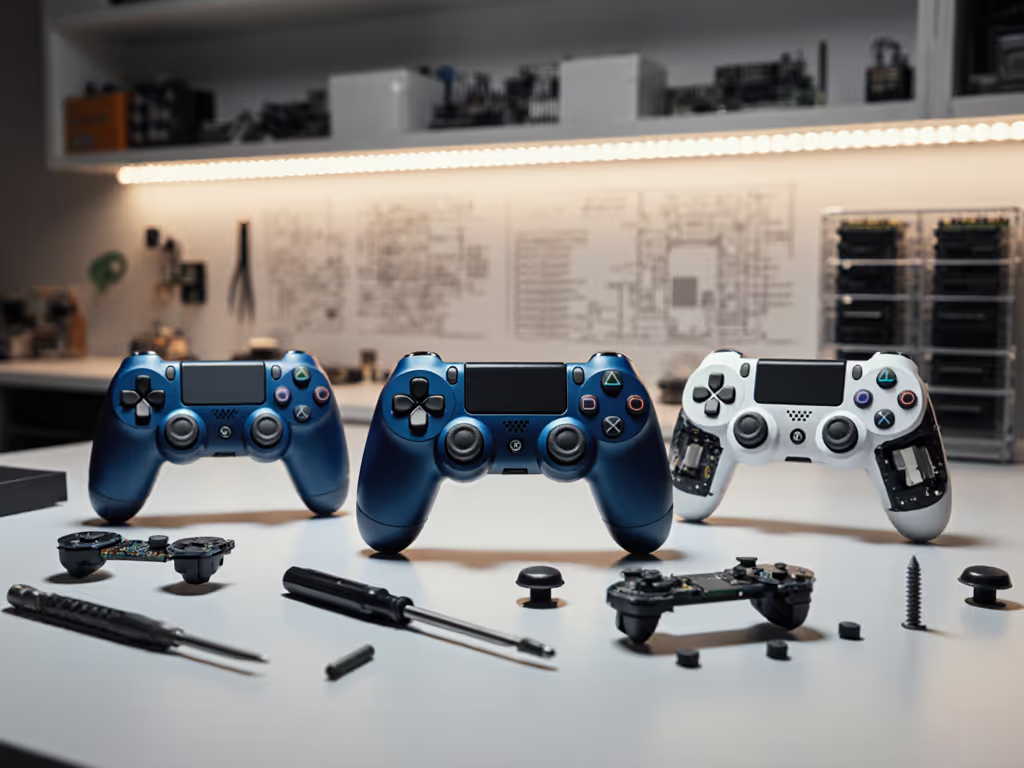
If you care about longevity, comfort, and staying ahead of hardware failures, a modular controller platform comparison is one of the smartest research moves you can make. The best repairable controller platforms can save you money over time, reduce downtime from stick drift, and give you a more tailored, comfortable input setup.
As someone who spends a lot of time helping players refit controllers around their hands and pain history, I see the same pattern over and over: comfort buys consistency. The more your controller can be repaired, tuned, and adjusted without starting from scratch, the easier it is to keep that comfort dialed in.
FAQ 1: What actually counts as a "modular controller platform"?
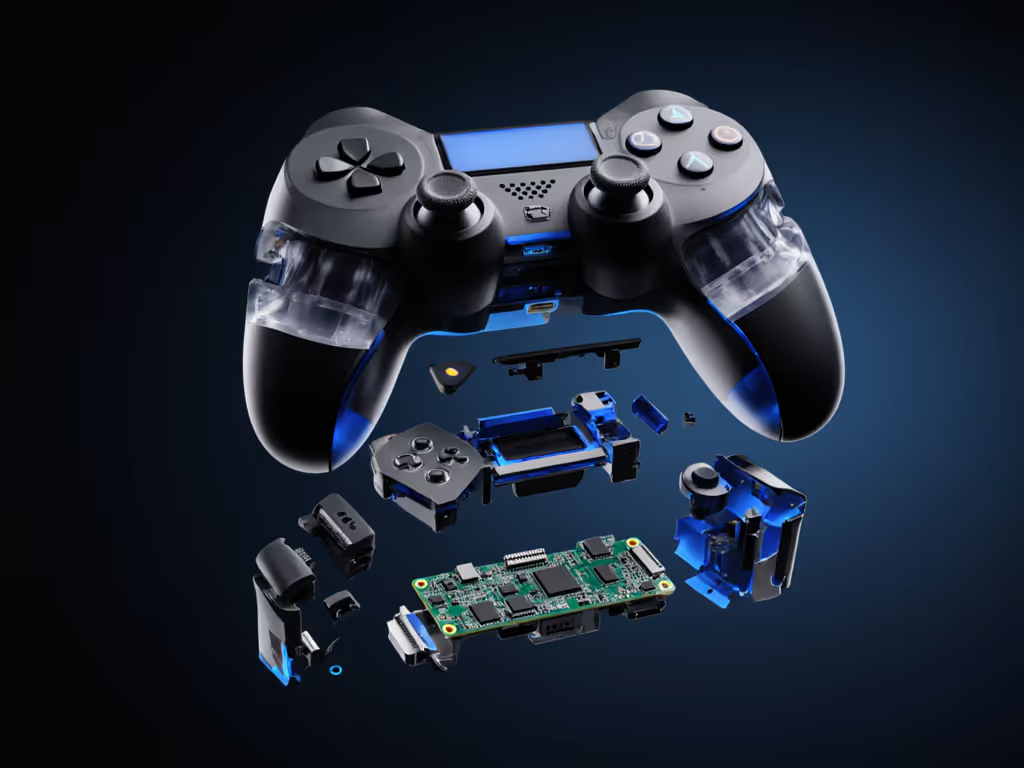
Think of a platform as the whole ecosystem around a controller: the base body, swappable modules, spare parts, and sometimes software that all work together. For model-specific recommendations and ecosystems to consider, see our modular controllers guide.
In practice, a modular controller usually has at least one of these:
- Hot-swappable modules you can yank and replace without tools (e.g., stick or D-pad modules that slide or snap in).
- Cartridge-based stick assemblies that can be replaced as a whole part when drift starts.
- Easily replaceable externals (shells, faceplates, grips) plus commonly available internal parts.
From a repairability and ergonomics standpoint, I look at modularity in three layers:
- Functional modularity: Sticks, triggers, and buttons can be replaced or upgraded without soldering. This is your primary drift insurance.
- Ergonomic modularity: Swappable grips, back paddles, trigger stops, and stick caps that let you tune reach, height, and activation force to your hand.
- Service modularity: Ready access to spare parts, guides, and a design that does not punish you for opening the shell.
If a controller only lets you swap thumbstick caps but not the stick mechanisms underneath, that's customizable, but not truly modular in a repair sense.
If it hurts, it's costing you frames and fun.
That's why modularity matters: it's about preventing your hardware from forcing you into bad posture or frantic last-minute replacements. For deeper techniques to protect your hands, see our ergonomic controller guide.
FAQ 2: What major modular and repairable platforms exist right now?
Here's a high-level controller modularity analysis of the main categories you'll see on the market. I'll name common examples to anchor each category, but focus on platform traits rather than specific SKUs.
1. Hot-swappable module platforms
Examples:
- Thrustmaster-style "eSwap" platforms (stick/D-pad modules)
- Victrix-style modular pro controllers (layout and module swaps)
Defining traits
- Sticks and D-pads live on self-contained modules.
- Modules usually attach magnetically or via simple latches; no soldering.
- Replacement and alternative modules (short sticks, long sticks, different D-pad styles) sold separately.
Why they're strong for repairability
- Drift or a dead stick? Replace the module in seconds.
- Easy to keep a spare module on hand for tournaments or league nights.
- Some ecosystems offer multiple generations of modules that remain compatible with older bases.
Ergonomic upside
- You can physically move stick and D-pad positions on some bases (e.g., swap left stick and D-pad).
- Mix different stick heights or gates for precision vs comfort.
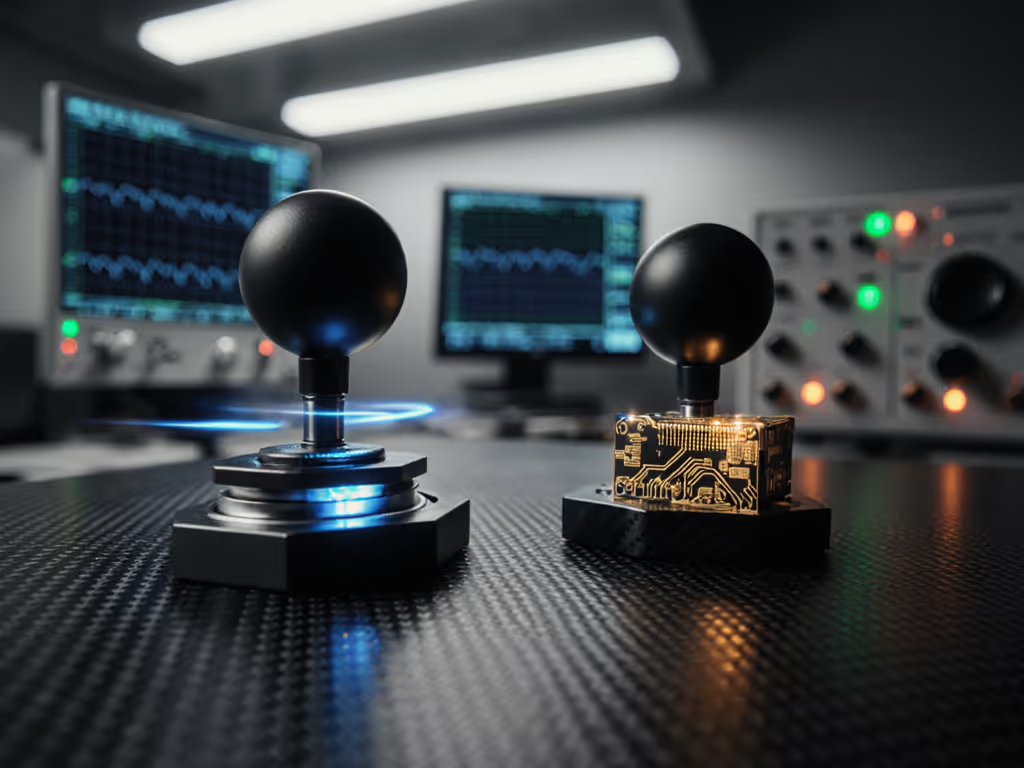
2. Cartridge-based stick module platforms
Example archetype:
- Pro controllers with official "stick module" cartridges you unscrew and slide out.
Defining traits
- Each analog stick assembly is a sealed cartridge.
- You remove a small cover, loosen a screw or latch, and slide the module out.
- Official replacement modules are sold as accessories.
Why they're strong for repairability
- When drift appears, you replace the entire stick module, not the whole controller.
- No soldering, typically no need to fully disassemble the controller body.
Ergonomic upside
- Some platforms may eventually offer alternative module types (e.g., different stick feel or sensors).
- Consistent feel between left and right sticks after replacement, since both modules are factory-calibrated.
3. Semi-modular pro pads (swappable externals only)
Examples:
- Many "pro" controllers with:
- Different thumbstick caps
- Back paddles or buttons that clip in
- Trigger stops
- Optional grip panels
Defining traits
- External feel is customizable, but internal components (stick mechanisms, buttons) are not user-swappable.
- Official spare parts often focus on cosmetic or comfort pieces, not core functional modules.
Why they're weaker for repairability
- If the stick mechanism fails, you're usually in warranty-claim-or-teardown territory.
- Mods and repairs rely heavily on third-party parts and community guides.
Ergonomic upside
- Comfort tuning is still solid: paddles, trigger stops, grip texture, and stick heights can meaningfully reduce strain.
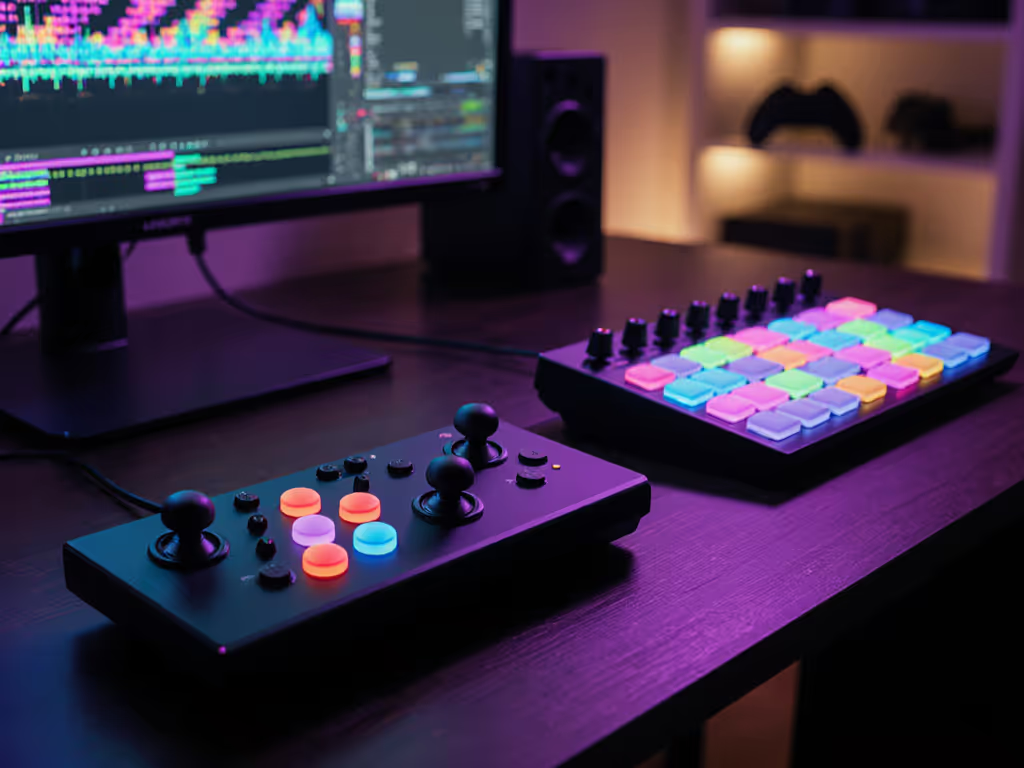
4. DIY-friendly and open hardware platforms
Examples:
- Controllers or fightstick PCBs that are explicitly designed for:
- Drop-in joystick/button replacements
- Screw terminals or headers instead of soldered wires
- 3D-printed or aftermarket shells
Defining traits
- Not always marketed as "modular," but architected around easy part replacement.
- Community-driven documentation, schematics, and compatibility charts.
Why they're strong for repairability
- Clear, open component standards (e.g., standard joystick and button sizes).
- Very long life if you're willing to replace parts and occasionally wield a screwdriver.
Ergonomic upside
- Almost unlimited shell and grip customization.
- Great for non-standard hand sizes, claw grips, or specific genres (e.g., shmup or fighter layouts).
FAQ 3: For pure repairability, which platforms stand out as "best"?
Let's frame this as an upgradeable gamepad comparison using the criteria that matter most for long-term use:
- How easily can you fix drift or broken inputs?
- Do official or widely available parts exist?
- Can you make ergonomic adjustments without starting over with a new controller?
Here's a simplified comparison table of platform types rather than individual models:
| Platform Type | Functional Modularity | Typical Fix Process | Parts Availability | Best Suited For |
|---|---|---|---|---|
| Hot-swappable module bases | Sticks & D-pads on plug-in modules | Pop old module out, plug in new | Official & third-party | Players who want fast, tool-free repairs and layout tweaks |
| Cartridge stick module bases | Each stick is a replaceable cartridge | Open a cover, unscrew, slide module | Official modules, limited 3rd-party | Console players invested in one premium pad who want simple drift fixes |
| Semi-modular pro pads | External caps, paddles, grips only | Warranty claim or full teardown | Limited official, mixed 3rd-party | Players prioritizing pro features over DIY repair |
| DIY/open hardware platforms | Highly modular internals & externals | Unscrew shell, swap standard parts | Strong community ecosystem | Tinkerers, custom-ergonomics enthusiasts, fightstick users |
| Hall-effect non-modular pads | Low-maintenance sticks, no modules | Rarely need repair; replace entire pad if they do | Whole controllers widely available | Drift-averse players who prefer "avoid repairs altogether" |
If your goal is "best repairable controller platforms", and you're comfortable with some tinkering, the sweet spot is usually:
- Hot-swappable module bases for fast, stress-free field repairs.
- DIY/open hardware if you like to control every component and don't mind a screwdriver.
Cartridge-style stick modules are excellent if you're all-in on one console ecosystem and want clean, official support.
FAQ 4: How does modularity affect comfort and injury risk?
Most people think about modularity as "fixing drift cheaply." That's important, but as an ergonomics specialist, I care just as much about what modularity lets you do with fit.
Your hands are dealing with:
- Wrist angle (neutral vs bent toward thumb side)
- Thumb travel (how far you have to reach inboard/outboard)
- Finger flexion on triggers and paddles
- Grip width and how much you have to squeeze
Modular platforms give you knobs to turn on those variables.
Comfort fit-check bullets (use these on any candidate platform)
When you test a modular or repairable controller, gently run through these fit-check bullets:
- Wrist check: With elbows resting near your sides, are your wrists mostly straight, or bent hard toward your thumbs? You want neutral or very slight bend.
- Thumb reach: Move from left stick to D-pad repeatedly. Do you feel a stretch in the base of your thumb, or is it a short, easy glide?
- Trigger comfort: Hold the triggers at the actuation point you use in shooters. Are your fingers hovering in mid-air (too long a pull) or jammed fully flexed (too short)? Try platforms with adjustable trigger stops if either extreme is true.
- Grip pressure: After 15-20 minutes, check your forearms. Are you subtly clenching to hold the shell? Wider grips or alternative backplates can reduce this.
- Symmetry: Compare left and right sides. If one thumb or wrist feels notably more strained, consider platforms that let you rearrange module positions.
If a controller passes these tests, it is not just comfortable now - it's less likely to drive you into overuse issues later. Years ago, I ignored early numbness playing a new fighter until I finally refit to a lighter actuation and slightly wider grip. The numbness vanished, and my consistency jumped with it.
Comfort buys consistency.
Modularity is your insurance that when your needs change (new game, longer sessions, minor injury), you can adjust the controller instead of forcing your hands to adapt.
FAQ 5: What does a modular controller cost analysis look like over time?
Let's zoom out and treat this like equipment planning rather than a one-off purchase.
Scenario A: Non-modular standard pads
- Cost per controller: let's say around $60-70.
- Lifespan under heavy use: often 12-24 months before drift or button issues.
- Over 5 years of active play, you might realistically buy 3-4 controllers, totaling $180-280.
You get minimal repair options, and your comfort tuning resets each time you change to a new shape.
Scenario B: Modular pro pad with $20-30 stick modules
- Base controller: often $150-200.
- Replacement stick modules: approx. $20-30 each.
- Over 5 years, you might go through 2-4 stick modules, totaling $40-120.
Total spend: roughly $190-320, depending on how hard you are on your sticks.
Key differences versus Scenario A:
- You're not re-learning a new shell every time drift happens.
- Your paddles, trigger settings, and grip shape stay consistent.
- If one module fails right before a tournament or raid, you can swap in a spare in minutes.
Scenario C: DIY/open platform with standard parts
- Initial build (base PCB, shell, quality buttons and sticks): often $120-200, depending on how fancy you go.
- Replacement parts: sticks and buttons can be $5-20 each.
Total spend over 5 years is highly variable, but the cost per failure event is low, and there's almost no hard end-of-life unless the PCB dies.
From a modular controller cost analysis perspective, modular systems rarely look "cheaper" at checkout, but they often win on:
- Reduced downtime
- Ergonomic continuity
- Lower replacement anxiety (you know you can fix it)
For a serious player, those advantages can outweigh a straightforward dollars-only comparison.
FAQ 6: How good is controller component compatibility between platforms?
Short answer: most ecosystems are intentionally closed, but there are important exceptions.
Proprietary module ecosystems
- Hot-swappable stick/D-pad modules and cartridge stick modules are usually brand-locked.
- A module built for one platform's base will not physically or electrically fit another brand's base.
Implication: when you choose a modular platform, you're also choosing a parts ecosystem. Evaluate: For brand-by-brand scores and parts availability metrics, check our controller repairability index.
- How many module types exist today (alternate sticks, different D-pads).
- Whether new variants have been released over time (a sign they'll keep investing).
- Regional availability and shipping for replacement parts.
Cross-compatible standard parts
In more DIY/open designs, controller component compatibility is easier:
- Many arcade-style buttons and joysticks follow standard diameters and mounting patterns.
- Some PC-oriented controllers accept standard-size analog sticks or microswitches, even if not explicitly advertised.
Here, the limiting factor is your willingness to:
- Open the shell.
- Possibly solder or crimp connectors.
- Follow community guides.
If you want "no tools, no fuss," stay with a proprietary modular base. If you want maximum compatibility and long-term control, look toward open or semi-open ecosystems where the community has already mapped what's interchangeable.
FAQ 7: How should I pick the right modular or repairable platform for my setup?
Let's align this with specific use cases and pain points rather than brands.
1. "I'm a competitive console player, and drift scares me."
- Prioritize cartridge stick module or hot-swappable module platforms tied to your console.
- Look for:
- Official replacement modules.
- Low-latency wired or strong wireless options.
- Adjustable triggers and paddles so you can dial in execution.
- Comfort angle: ensure the shell shape matches what you already play well with; avoid drastic shape changes close to competition.
2. "I play mostly on PC and love to tinker."
- Consider DIY/open hardware or highly modular third-party PC controllers.
- Advantages:
- You can swap sticks, buttons, even shells as your taste evolves.
- Easy integration of Hall-effect sticks to nearly eliminate drift.
- Deep software remapping support.
- Comfort angle: choose a platform with multiple grip or shell options; your future self with different games (or a different desk setup) will thank you.
3. "My hands hurt or fatigue quickly, and I don't want to keep replacing controllers."
- Mix repairability with ergonomic modularity:
- Back paddles or rear buttons so you're not over-stretching your thumbs.
- Adjustable trigger stops to reduce finger flexion.
- Swappable grips for better support and reduced squeeze.
- Choose a platform where you can replace sticks or triggers without a full teardown, so you're not tempted to "just live with" crunchy inputs that promote bad mechanics.
If pain is persistent, loop in a medical professional or physical therapist; controller tweaks are a tool, not a diagnosis.
4. "I just want something that won't drift and won't be a headache."
- A Hall-effect based controller, even if not modular, might be your best "low-maintenance" choice.
- You lose some repair options, but you drastically reduce the most common failure point. Learn how Hall effect controllers prevent drift and which platforms support them.
Combine that with:
- Configurable deadzones in software.
- A shell shape that already feels familiar and doesn't provoke strain in short test sessions.
FAQ 8: What's the smartest way to move forward from here?
Think of this less as buying a single controller and more as choosing a platform you'll live with for years.
Action steps:
- Audit your current pain points
- Is it drift? Fatigue? Shape? Input delay?
- Rank them. Your top two should drive your platform choice.
- Decide your repair comfort level
- "I never want to open a shell." -> Hot-swappable or cartridge module platform.
- "I'm fine with a screwdriver." -> DIY/open hardware or deeper modular ecosystems.
- Run in-person fit checks where possible
- Borrow friends' controllers or test in-store demo units.
- Use the fit-check bullets to evaluate wrist angle, thumb reach, and grip tension.
- Plan for parts, not just the base purchase
- Price out at least one full set of replacement stick modules or equivalent.
- Check if parts are realistically available in your region.
- Revisit settings once your hardware is stable
- After you lock in a comfortable, repairable platform, dial in software: deadzones, sensitivity curves, and button remaps.
You do not have to chase every new release. A solid, modular, or easily repairable platform that fits your hands and gameplay will quietly compound in your favor over time. If you treat comfort and repairability as core specs, not afterthoughts, you'll end up with a controller that supports your performance instead of limiting it.
Related Articles